 Nutri
NutriRegister the container once
Scan its permanent QR code and give it a recognisable name. A supported code identifies the container; it does not detect ingredients.
Registered QR containers
Know what you made, where it is and what you have left.
In development
Register the permanent QR code on a container, then assign a prepared meal and its portions. Scan it later to review the contents and log what you ate. The code belongs to the container, not to just one recipe.
Container and packaging images are proposed physical-product designs. Permanent marking, scan durability and final specifications remain subject to sample testing. Scanning retrieves saved contents; it does not identify ingredients or log a meal automatically.
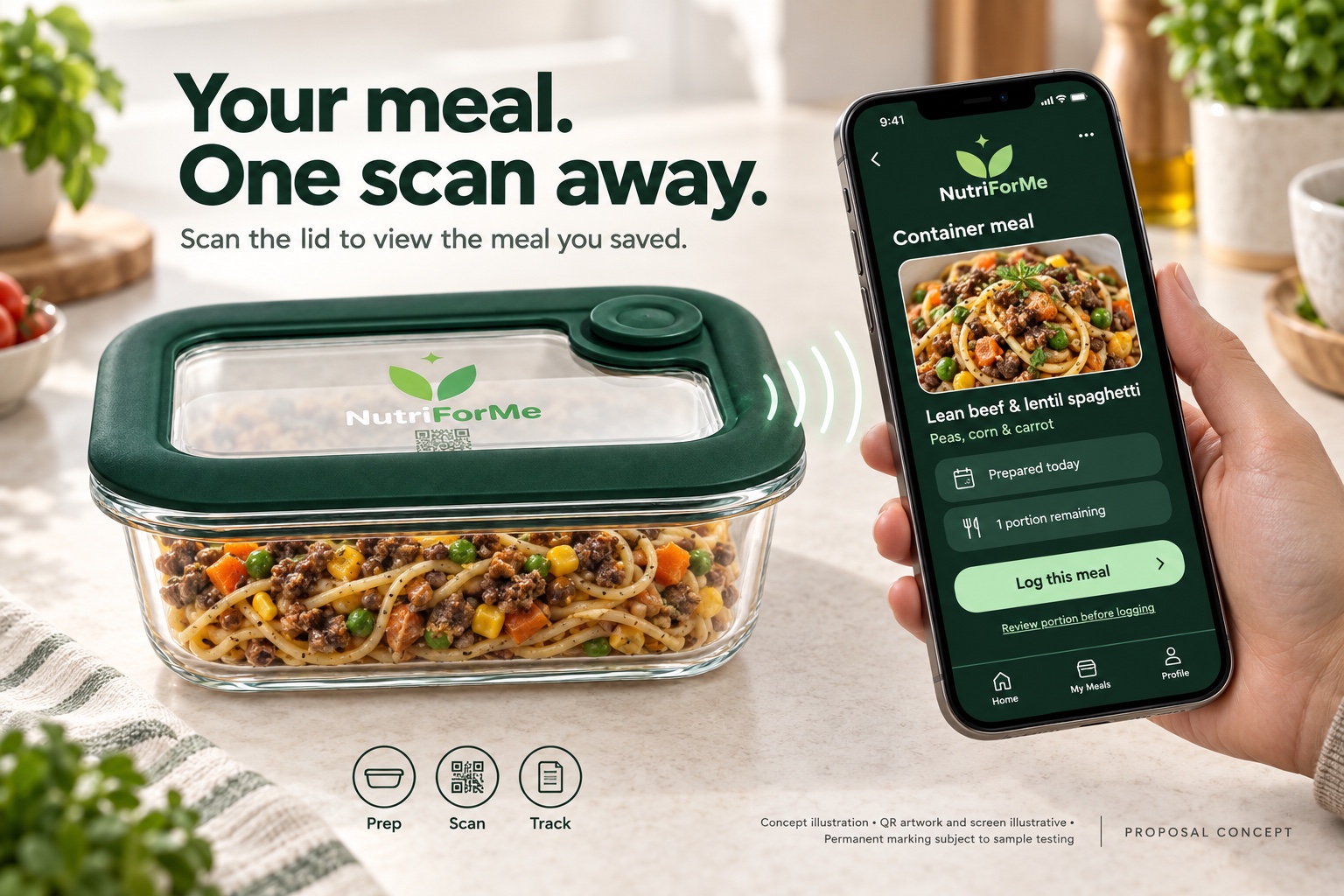

Scan its permanent QR code and give it a recognisable name. A supported code identifies the container; it does not detect ingredients.
Choose a meal and its portions, whether or not it started in the planner. You can also connect it to a planned meal.
Scan to see the assigned contents and confirm how much you ate. Logging all the contents marks it empty; a partial serving leaves the remainder.
MORE THAN A CALORIE COUNTER
Keep meal organisation and nutrition information connected, with a calmer view of what matters to you. Optional food lessons and Haven give you another way to engage.
Explore your nutrition →Food estimates, daily targets and planned meals are different things. NutriForMe is designed to make those differences clear—and let you review and correct your information.
For lifestyle and nutrition self-management. Not a medical diagnosis, a treatment plan or a replacement for your clinician's advice.
Interested in the product, a demonstration or a future integration? Contact the team at Retina Managed Services. Public availability and product details will be announced as development progresses.